Get the latest from
Eshopbox


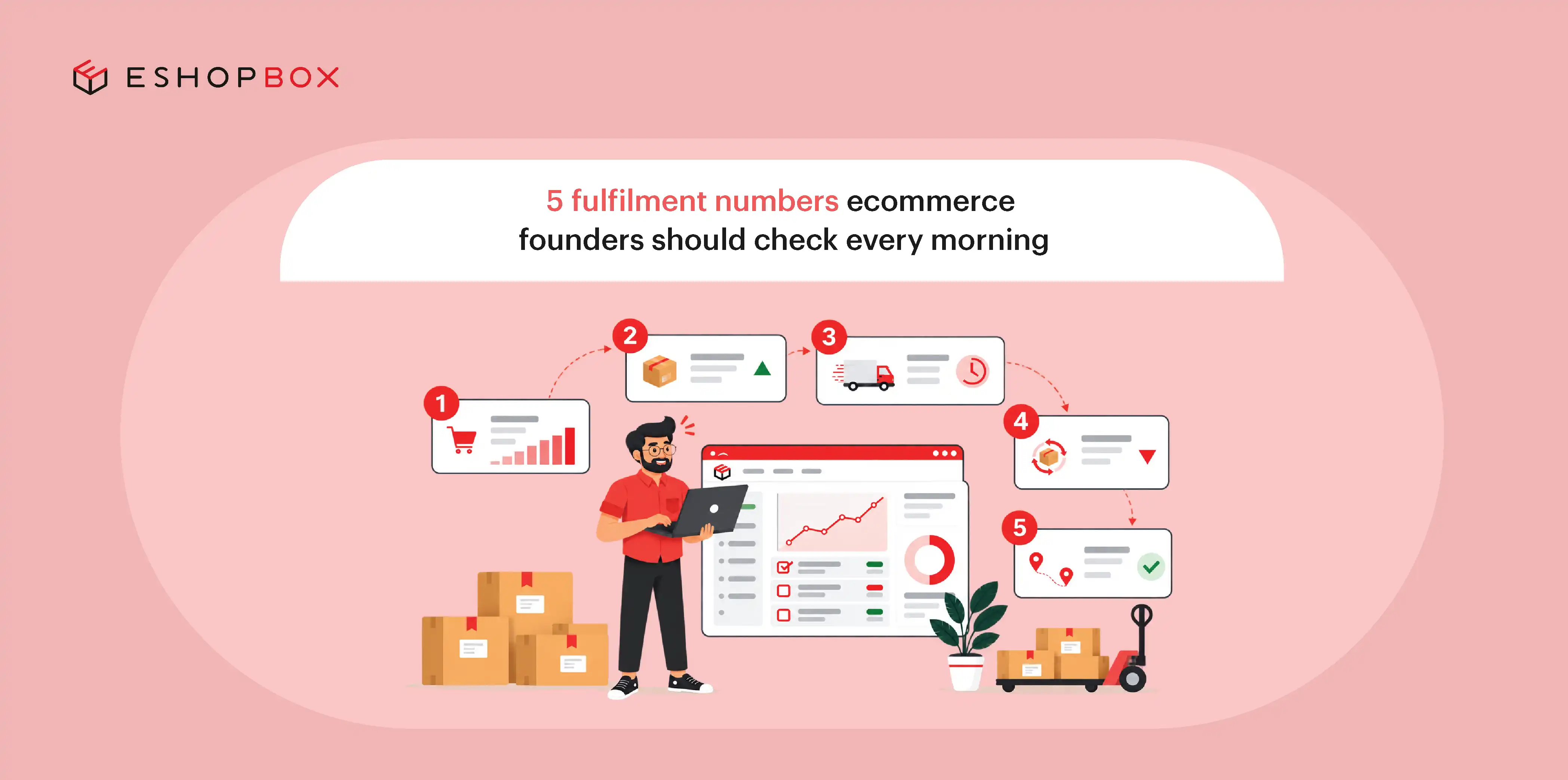


Sales dashboards tell you what customers bought. But they don't show whether your warehouse processes orders on time, whether recorded stock matches what's physically available, or whether shipments reach customers as expected.
That’s why regular fulfilment tracking helps founders identify operational issues early, limiting the number of orders that suffer delays or errors.
You don't need to track every fulfilment metric throughout the day. Focus on a few key numbers that show when orders, inventory or deliveries need attention. Checking them every morning helps you spot changes early, investigate the cause and decide what needs to be done.
Here are five fulfilment numbers worth checking every morning.
5 fulfilment numbers to check every morning
1. Orders waiting to be processed
Start by checking how many orders are waiting to be processed and how that compares with your usual backlog.
A few pending orders may be normal, depending on when they were placed and your processing schedule. A backlog that keeps growing, however, can indicate that incoming orders are outpacing the warehouse's ability to process them.
What to check:
- Total orders awaiting processing
- Orders received the previous day
- Orders that have exceeded their expected processing time
- Changes in pending order volume compared with normal levels
What it tells you: Whether the warehouse is keeping up with incoming demand.
What to investigate when the number rises: Check whether the increase is linked to higher order volumes, limited processing capacity, unavailable inventory or picking issues. Also look for orders that require manual intervention before they can move forward.
For example, if pending orders increase despite stable order volumes, the problem may lie in a warehouse bottleneck or inventory-related hold. Identifying the cause helps you focus on the right part of the operation.
2. Inventory accuracy
Inventory accuracy measures how closely the stock recorded in your system matches the physical inventory available in the warehouse.
This matters because your ecommerce channels rely on inventory data to show product availability and accept orders. If that information is incorrect, customers may purchase out-of-stock products or see products marked unavailable when stock is actually available.
What to check:
- Differences between recorded and physical stock
- Inventory discrepancies across fulfilment centres
- Products listed as available but missing from their expected locations
- Items running low at specific locations despite available stock elsewhere
What it tells you: Whether your inventory records reliably reflect available stock.
What to investigate when discrepancies appear: Review recent stock entries, picked orders and stock adjustments. Then count the physical inventory and compare it with the quantity in your system. This will show where the difference occurred.
If your system shows stock at one fulfilment centre but the warehouse team cannot find it in the recorded storage location, orders may be assigned to that centre even though it cannot fulfil them. This delays processing and leaves customers waiting for products that appear to be in stock.
For founders, the important question is whether the inventory information used to accept orders and allocate stock reflects what the warehouse actually holds. Accurate records help teams make better fulfilment decisions and reduce avoidable cancellations.
3. Order fulfilment accuracy
Order fulfilment accuracy measures how reliably orders are picked, packed and shipped without errors. These errors can include incorrect items, missing products or extra items in a shipment.
Even a small picking or packing mistake can lead to customer complaints, replacement shipments, returns and refunds. Tracking fulfilment accuracy helps founders understand whether the warehouse is sending customers the right products and how often errors are creating extra costs or work for the team.
What to check:
- Orders which are shipped with incorrect items
- Missing or extra items in shipments
- Picking and packing errors
- Recurring errors involving particular products or orders
What it tells you: Whether the warehouse is fulfilling orders correctly, not simply processing them quickly.
What to investigate when errors increase: Check which products and warehouse locations have the most errors. See if staff are mixing up similar-looking products, labels are unclear, or packing checks are being missed.
Order accuracy matters most during periods of high demand, when warehouse teams may handle more orders in the same timeframe.
Fast fulfilment doesn't help if the wrong product reaches the customer. Monitoring accuracy alongside processing speed helps founders see whether the operation maintains quality as volumes change.
4. On-time order processing
On-time order processing measures the percentage of orders that the warehouse processes within the timeframe agreed with the brand. This timeframe should account for the expected time needed to prepare an order for dispatch.
This differs from the number of orders waiting to be processed. A backlog shows how much work remains, while on-time processing indicates whether orders move through the warehouse on schedule.
A warehouse may have a relatively large backlog and still meet its processing commitments. Conversely, a smaller backlog can be a concern if orders are repeatedly missing their deadlines.
What to check:
- Orders processed within the agreed timeframe
- Orders approaching their processing deadline
- Orders that have missed their expected dispatch time
- Changes in processing performance as order volumes fluctuate
What it tells you: Whether the warehouse is meeting its processing commitments.
What to investigate when performance slips: Identify the stage where orders are getting delayed. Check receiving, inventory allocation, picking, packing and dispatch handover. Compare the time orders spend at each stage with the usual processing time. Then check whether higher order volumes, limited warehouse capacity, inventory issues or carrier pickup schedules explain the delays.
For example, if processing falls behind every time order volumes rise, the warehouse may need better capacity planning and more efficient workflows.
Checking this number each morning helps founders identify developing delays and address them before they affect a larger batch of orders.
5. Orders at risk of becoming a delivery problem
RTO figures tell you how many orders have already returned to origin. However, checking only completed RTOs won't show which current shipments need attention before the carrier returns them.
A more useful daily check is to identify orders that need attention now.
These could include shipments with failed delivery attempts, non-delivery reports (NDRs) awaiting action, delayed shipments, or orders approaching their promised delivery dates without the expected progress.
What to check:
- Failed delivery attempts requiring follow-up
- NDRs awaiting resolution
- Shipments with delayed or missing tracking updates
- Orders approaching their delivery commitment
- Shipments that have remained at the same stage longer than expected
What it tells you: Which orders may require intervention to avoid further delays, customer complaints or RTOs.
What to investigate when the number rises: Check the reason behind each exception. An incorrect address may require customer confirmation, while an unsuccessful delivery attempt may need rescheduling. A shipment that has stopped moving may require coordination with the carrier.
Prioritise issues according to urgency and the required action. An order with a failed delivery attempt may require immediate attention, while a shipment on track may only need monitoring.
The aim is to identify delivery problems early enough for your team to take necessary actions to stop it from becoming a RTO.
What should you do when one number moves?
A change in a fulfilment metric should lead to a specific question, followed by an investigation. Use this framework to decide where to start.
The important part is to investigate the cause rather than react to the number alone. A rising backlog, for instance, could result from increased demand, unavailable inventory or a processing bottleneck. Each requires a different response.

Don't look at the numbers in isolation
Fulfilment metrics become more useful when you compare them. Two numbers moving in different directions can help you narrow down the source of a problem.
Processing backlog is rising, and inventory discrepancies are increasing
Orders may be waiting because the system shows stock that the warehouse cannot locate. Check inventory records before increasing warehouse capacity. This helps you address stock issues that may be holding up orders instead of adding capacity unnecessarily.
Processing is on time, but deliveries are late
If the warehouse processes orders on time but customers receive them late, the delay may be happening after dispatch. Check carrier performance and transit times to identify where shipments are getting held up. This helps you determine whether changing carriers or reviewing delivery routes could get orders to customers faster without changing a warehouse process that's already working well.
Fulfilment accuracy is declining as order volume increases
If order errors rise alongside order volumes, the warehouse may struggle to maintain accuracy as it processes more orders. Review picking and packing checks and how work is distributed across the team. This can help you reduce errors without slowing down the entire fulfilment process.
Inventory accuracy is improving, but cancellations remain high
If inventory records are more accurate but cancellations remain high, stock discrepancies may not be the only problem. Check whether stock availability updates promptly across sales channels and review the reasons for cancellations. This helps you identify other issues affecting orders instead of focusing only on inventory accuracy.
Get better control over your fulfilment numbers with Eshopbox
Tracking fulfilment performance is easier when inventory, orders, warehouse operations and shipping are connected. Eshopbox brings these activities together through unified technology, warehousing and multi-carrier shipping, giving founders a clearer view of how orders move from the warehouse to the customer.
Here's how Eshopbox helps you monitor the numbers that matter:
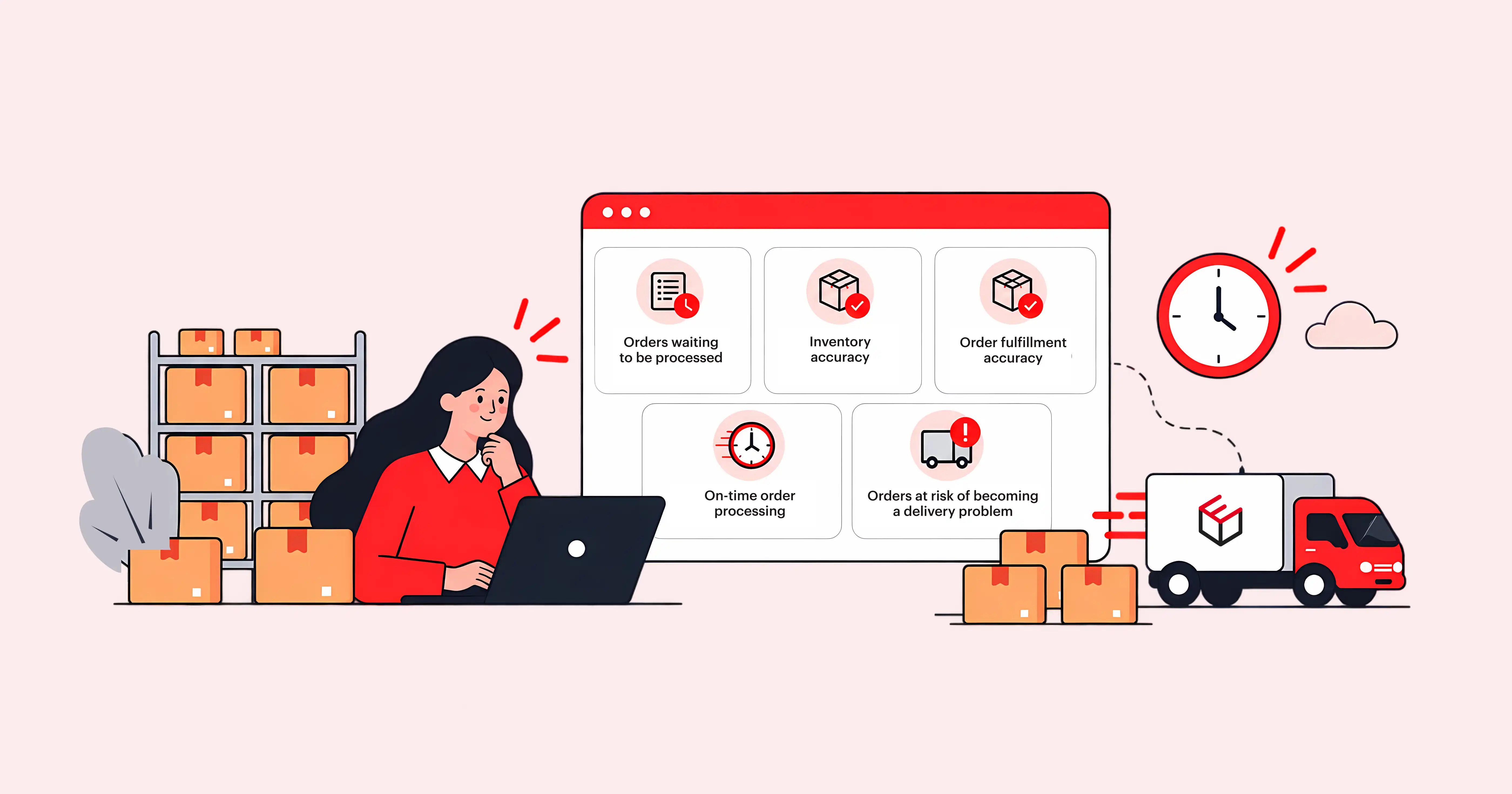
1. Orders waiting to be processed
Get visibility into order movement through the fulfilment process. This helps your team identify orders that are waiting at different stages and investigate delays caused by inventory or warehouse operations.
2. Inventory accuracy
Manage inventory across channels through one shared stock pool. With stock counts aligned across locations and sales channels, teams can identify discrepancies and make better decisions about order allocation.
3. Order fulfilment accuracy
Eshopbox's fulfilment operations use SKU-level processes and automated kitting to help ensure the correct products, variants and quantities reach customers. Eshopbox records 99.7% order accuracy across its operations.
4. On-time order processing
With five warehouses and same-day dispatch for eligible orders stored at its facilities, Eshopbox helps brands move orders through fulfilment faster. Distributed inventory also helps bring products closer to customers, supporting next-day delivery to 7,000+ pincodes.
5. Orders at risk of becoming a delivery problem
Track shipments across courier partners through one view. Early delay alerts, buyer updates and NDR follow-up help teams identify delivery exceptions and take action, including contacting buyers to reschedule failed deliveries.
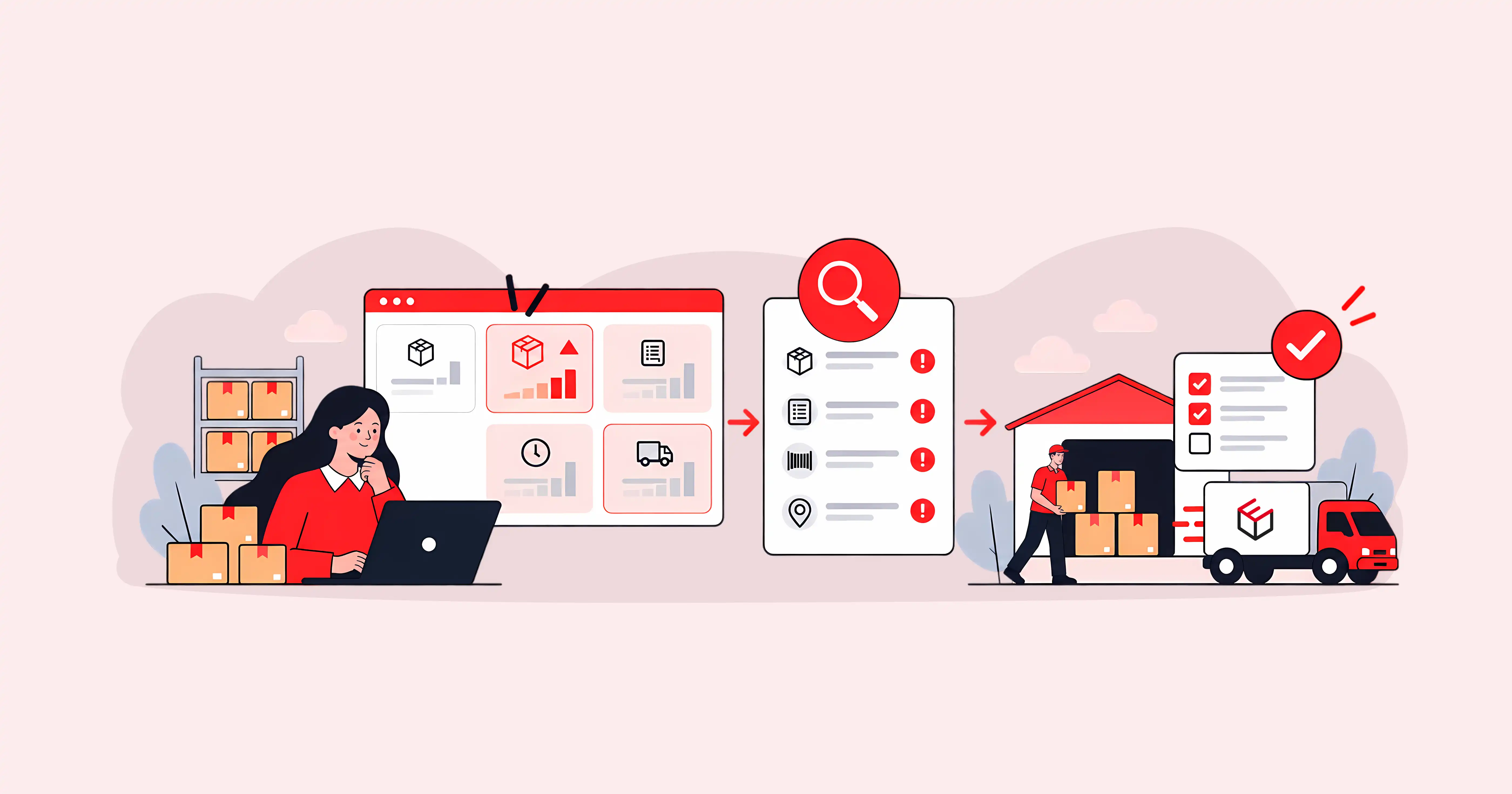
With Eshopbox managing inventory, warehouse operations and shipping, founders get better visibility into fulfilment performance and the capabilities to address problems across the order journey. Instead of piecing together updates from different systems and partners, your team can focus on the numbers that need attention and the actions that improve fulfilment.
Conclusion
Shipping mistakes can affect costs and delivery performance at several stages, from inventory placement and warehouse processing to carrier selection and failed delivery management. Brands need to review these areas regularly and work with their fulfilment partners to address recurring problems.
Eshopbox supports key parts of this process through distributed fulfilment, warehouse operations, multi-carrier shipping and NDR management. By bringing these activities together, Eshopbox helps ecommerce brands manage their fulfilment operations and work towards more reliable deliveries and better control over shipping costs.
Connect with our fulfilment expert today.
Talk to salesRelated Articles
10 ecommerce shipping mistakes that quietly increase costs, delays and RTOs
How to protect beauty products from heat damage during shipping in India
What does it actually take to offer 1-day delivery? A fulfilment checklist for ecommerce brands


Privacy Policy
Terms & Conditions